
Horzono
Elegant world clock.
For Mac, iPhone, iPad and Vision Pro

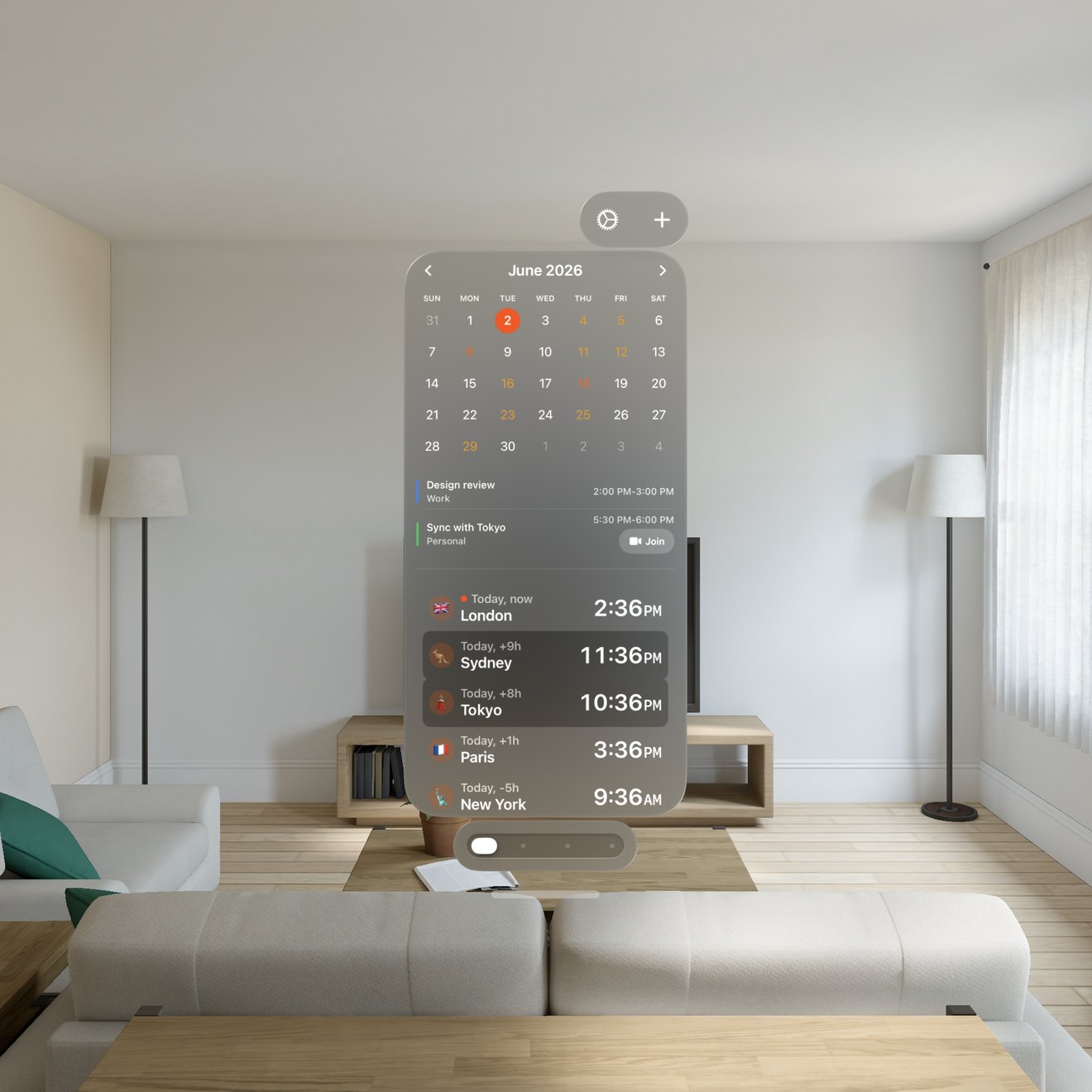
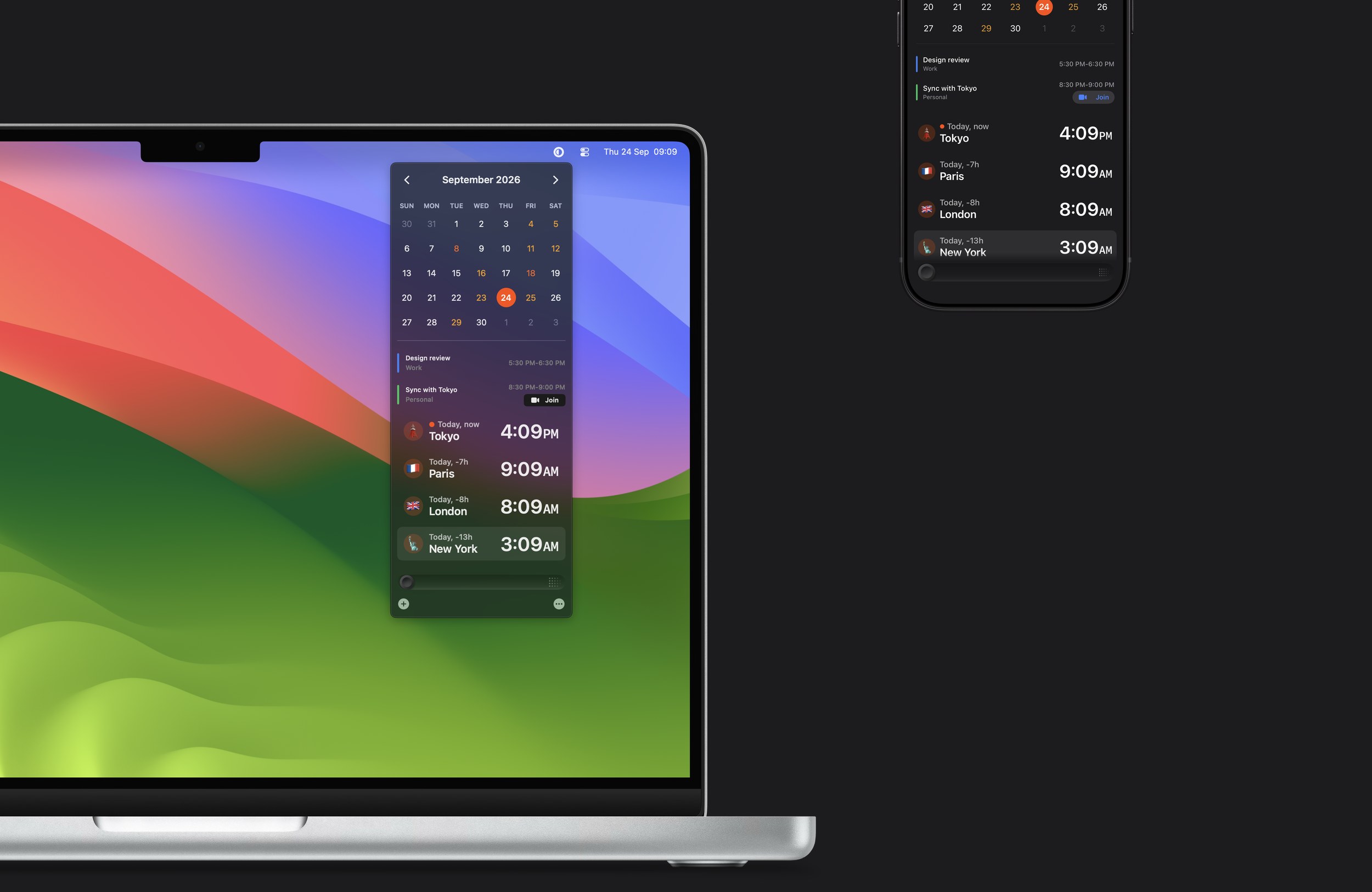
Horzono is a world clock and time zone app for the people you work with and care about, on your iPhone, iPad, Mac and Vision Pro. Type a city and see its local time, with 25,000+ cities, offline, and plan across time zones with its easy-to-use slider.
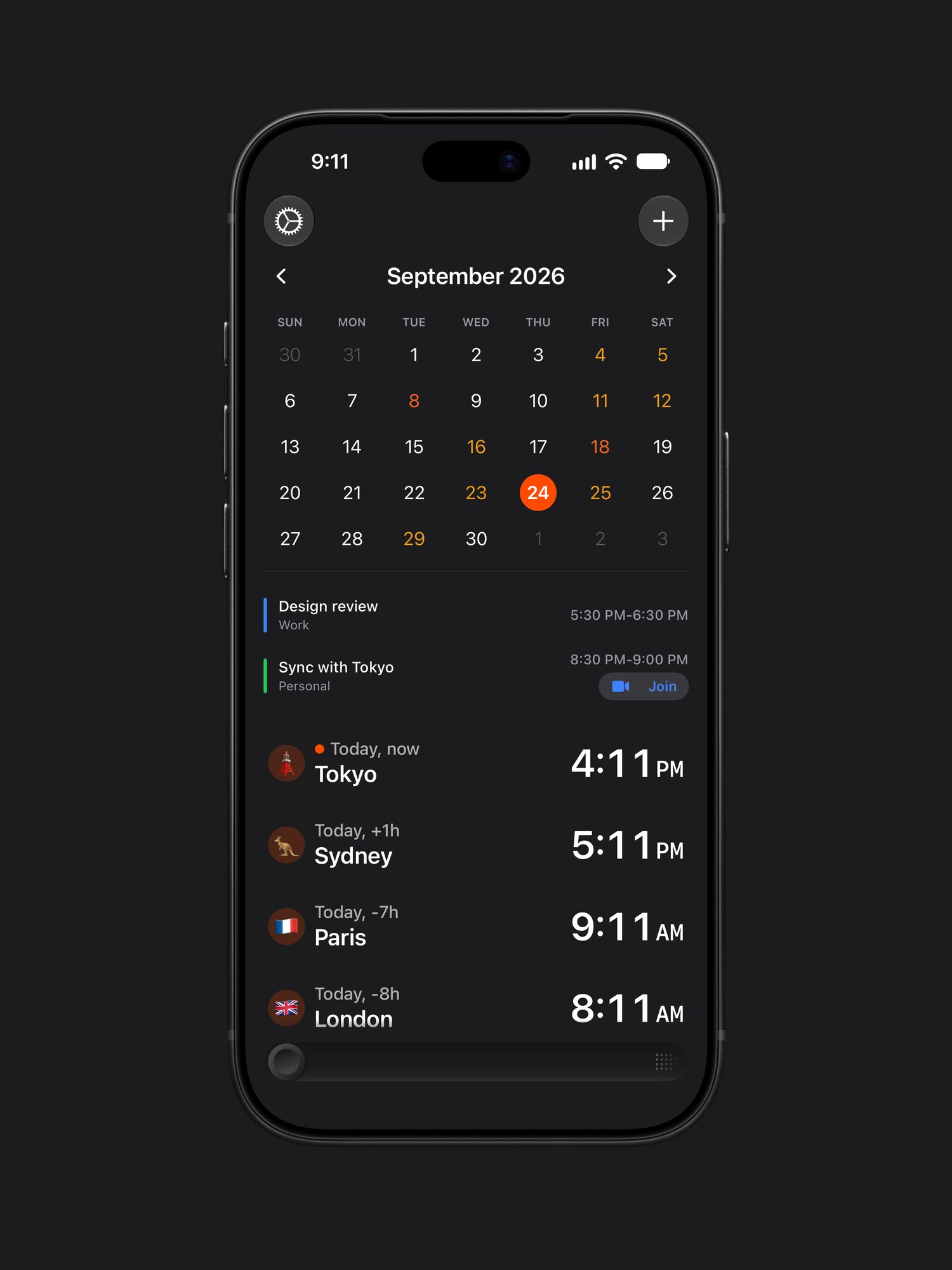
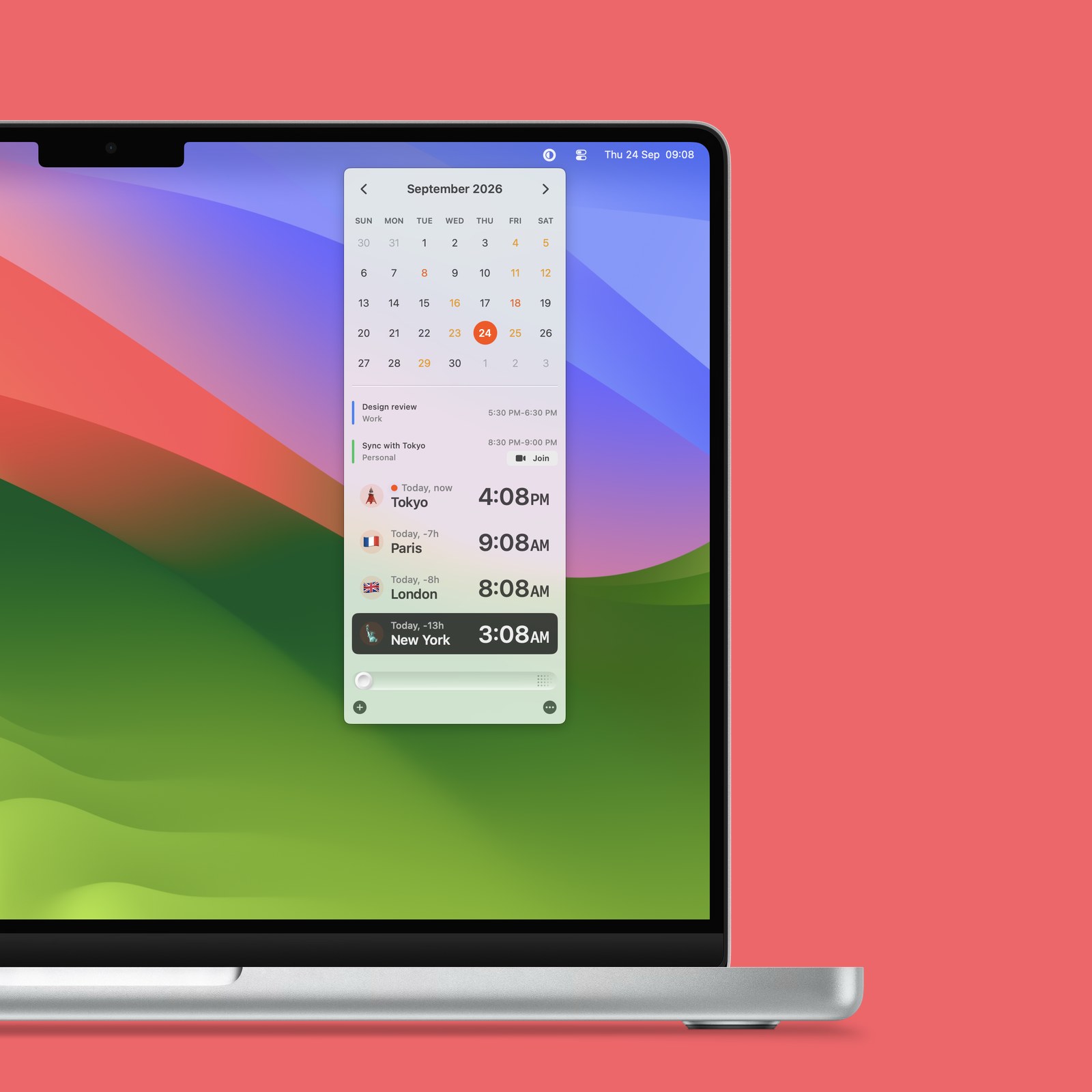
Global Time, No Internet Needed
The current time in 25,000+ cities, offline.
Type a city's name in another language, too: Varsovie finds Warsaw.
Choose Your Reference City
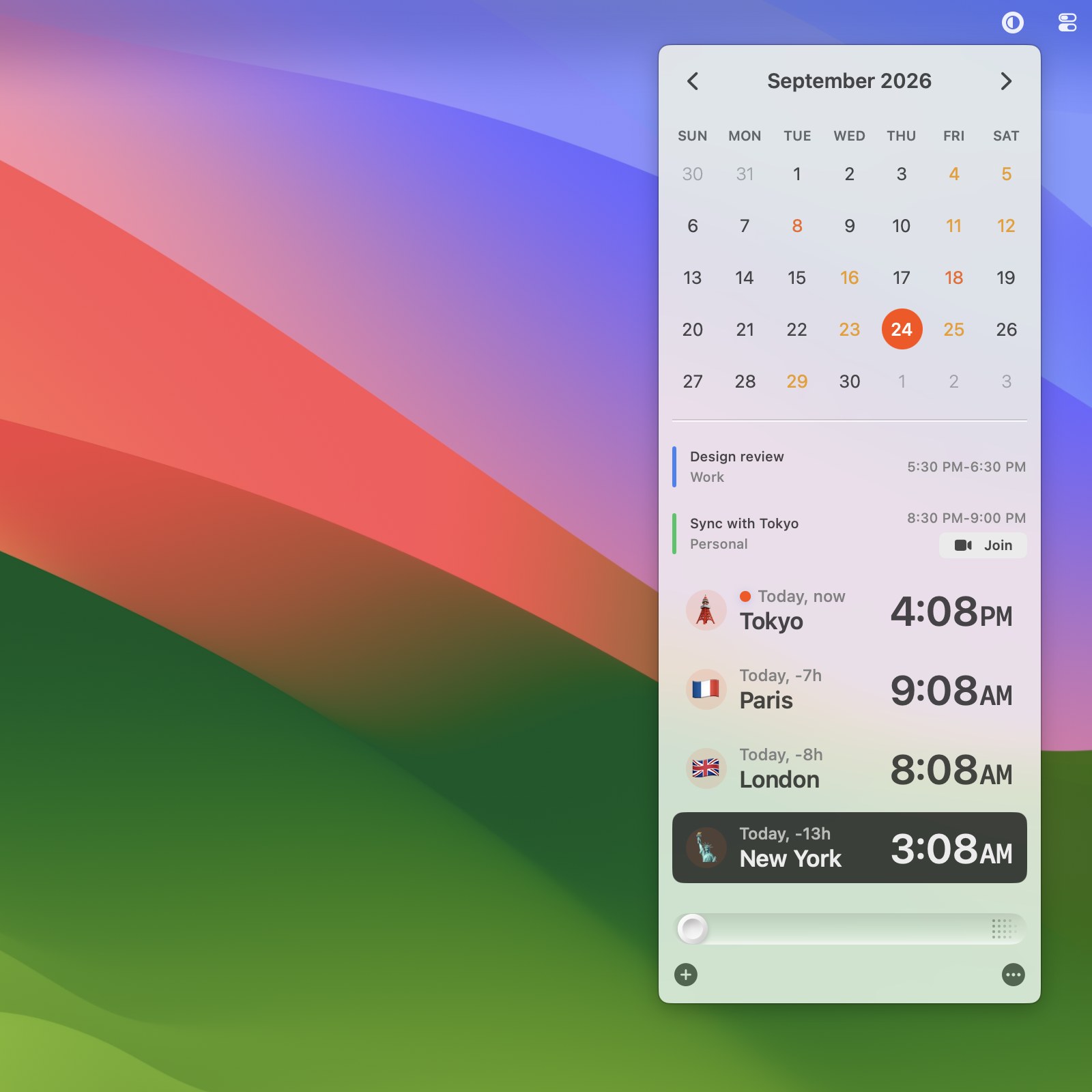
Set one city as your reference, and every offset is counted from there. Plus
Plan Calls Across Time Zones
Easily see how times change up to 24 hours ahead, perfect for scheduling international calls or meetings. Plus
Your Calendar, Beside Your People
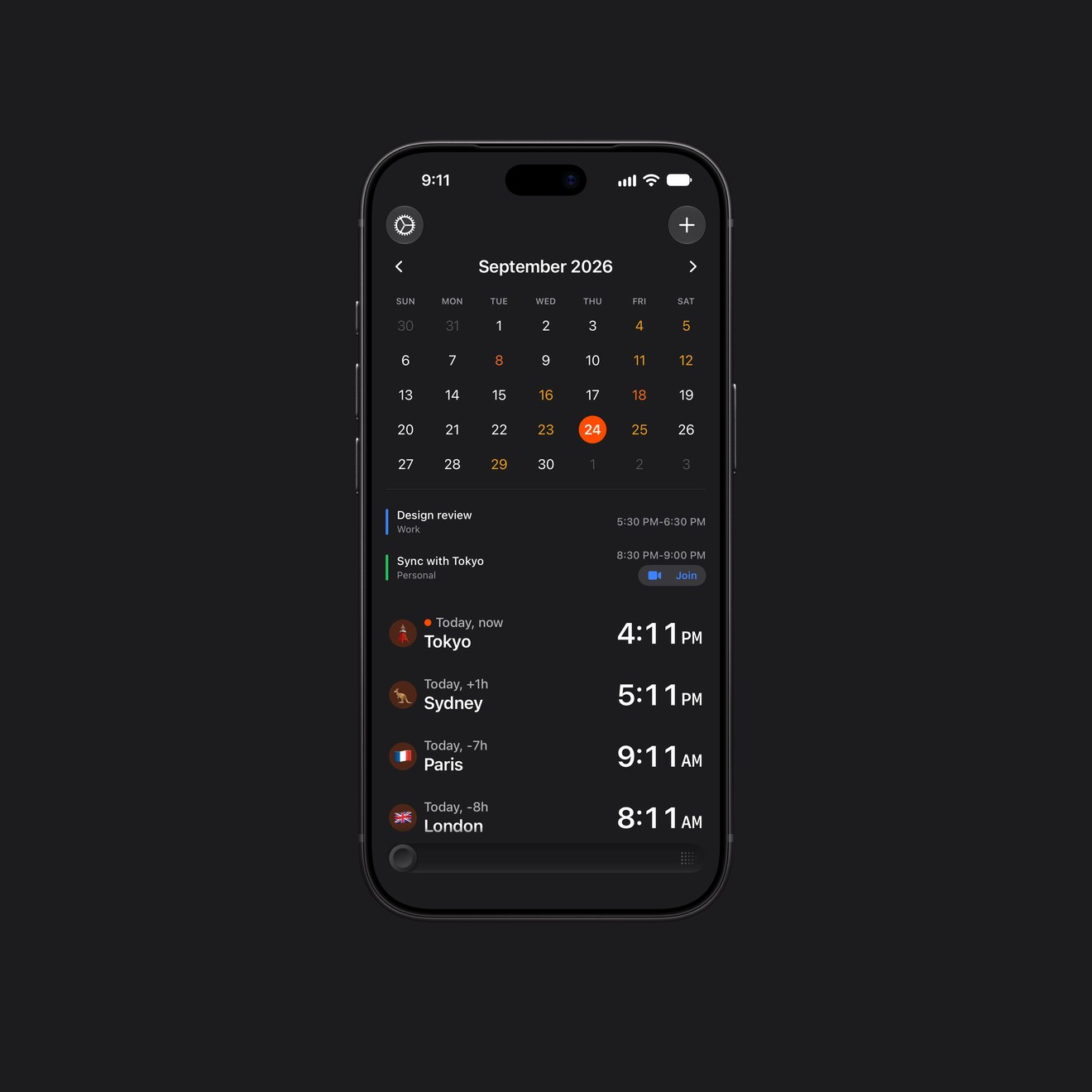
Your events right beside your people, with a heat map of your busiest days.
Join a call straight from the list. Plus
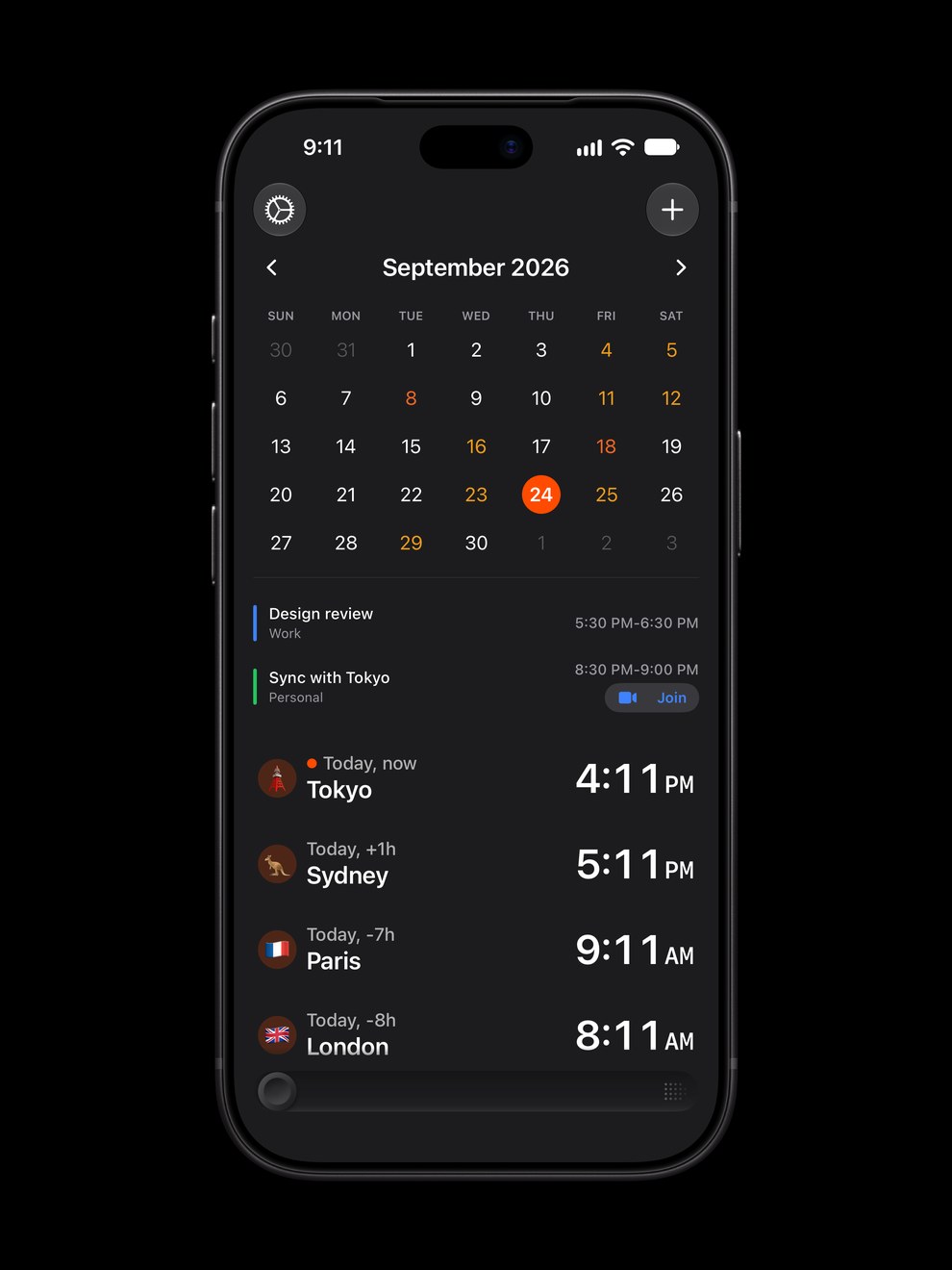
Join Your Next Call, From Anywhere
On the Mac, press your shortcut in any app, say ⌃⌥JControl Option J, and Horzono opens your next call: one starting within 30 minutes, or already under way.
Zoom, Meet, Teams, Webex and more. Horzono finds the link in the event's URL, location or notes. Plus
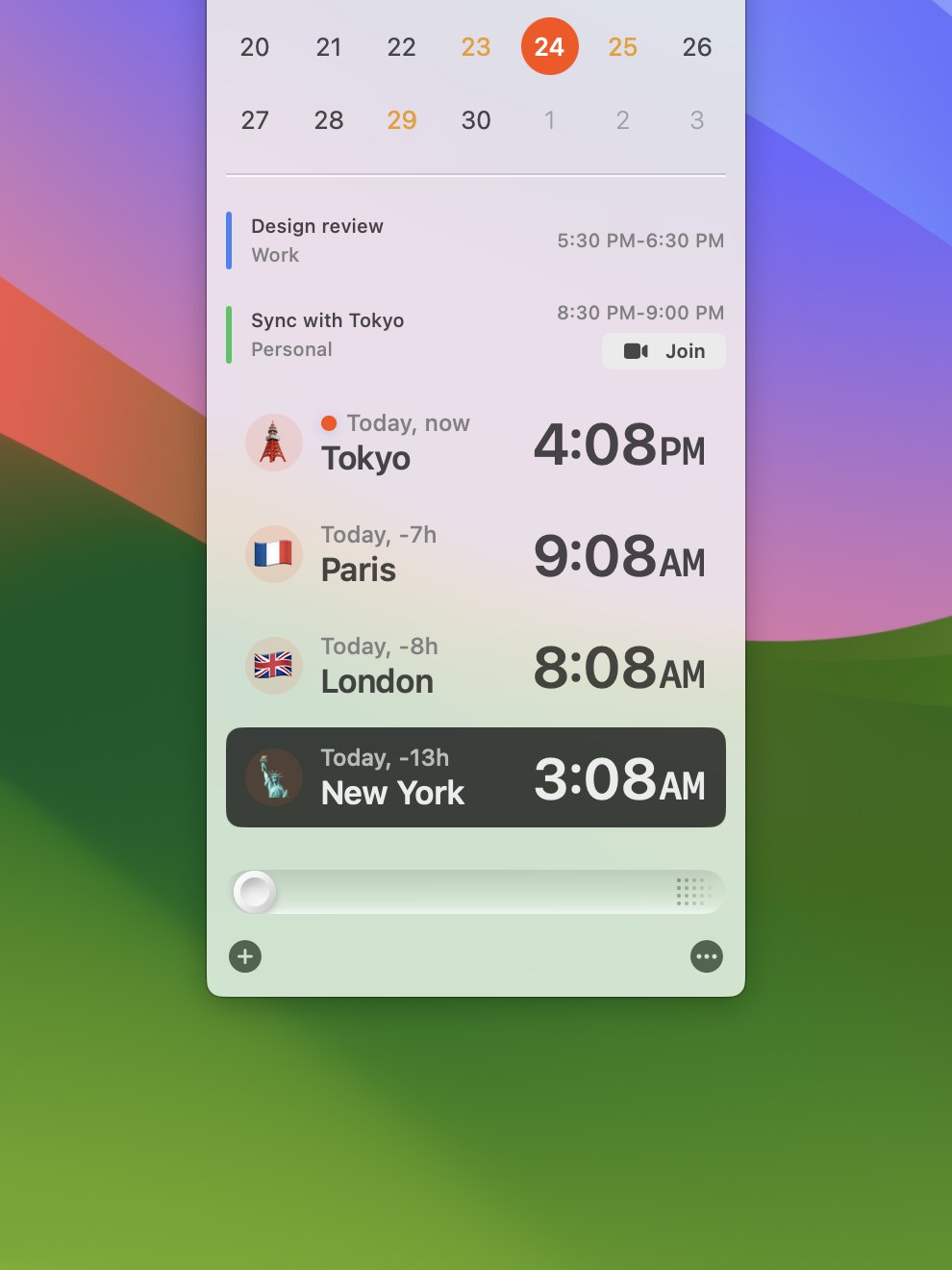
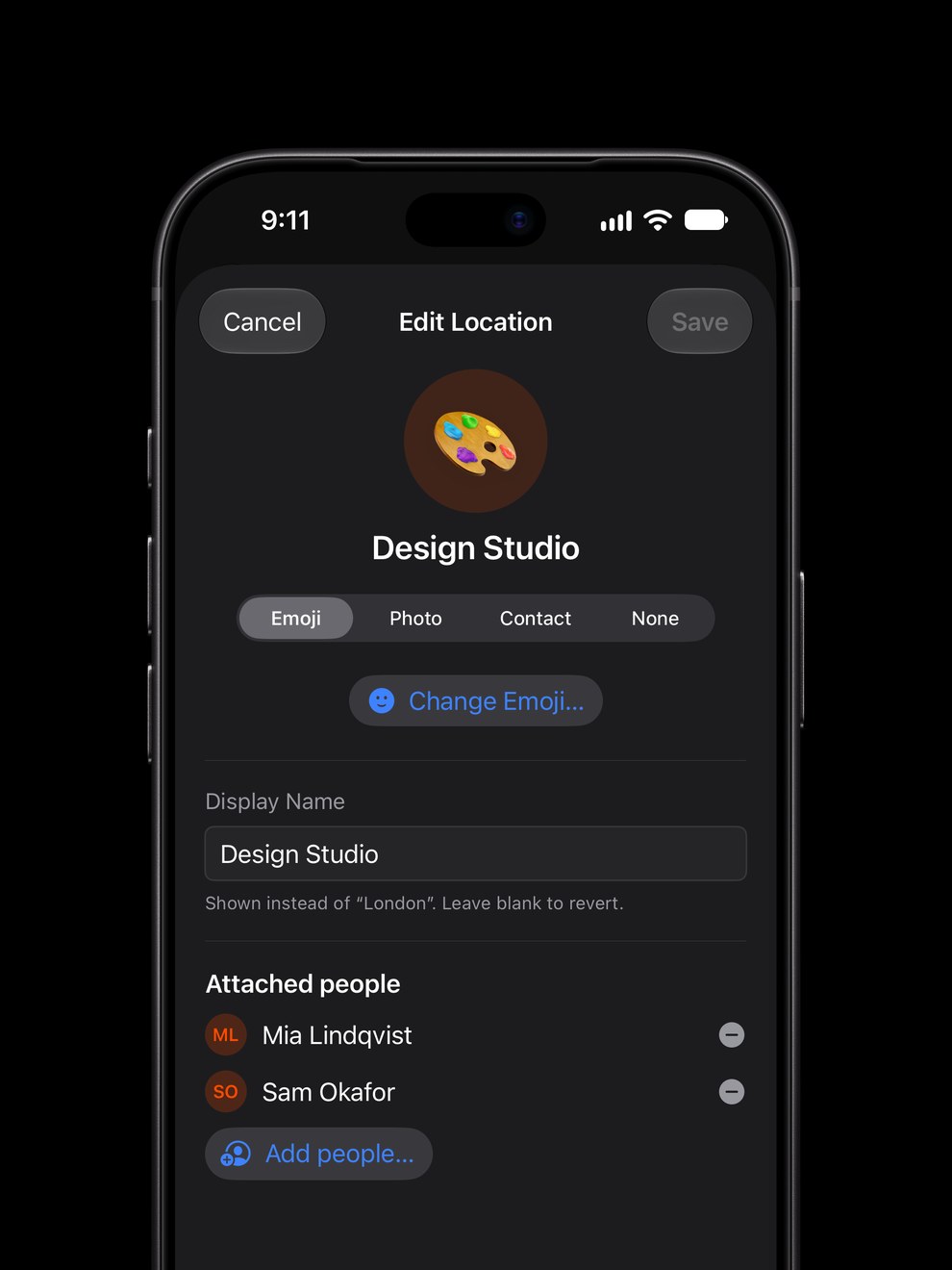
Make It Personal
Give each place a name, an emoji or a photo.
Attach the people who are there, and see their faces on the row. Plus
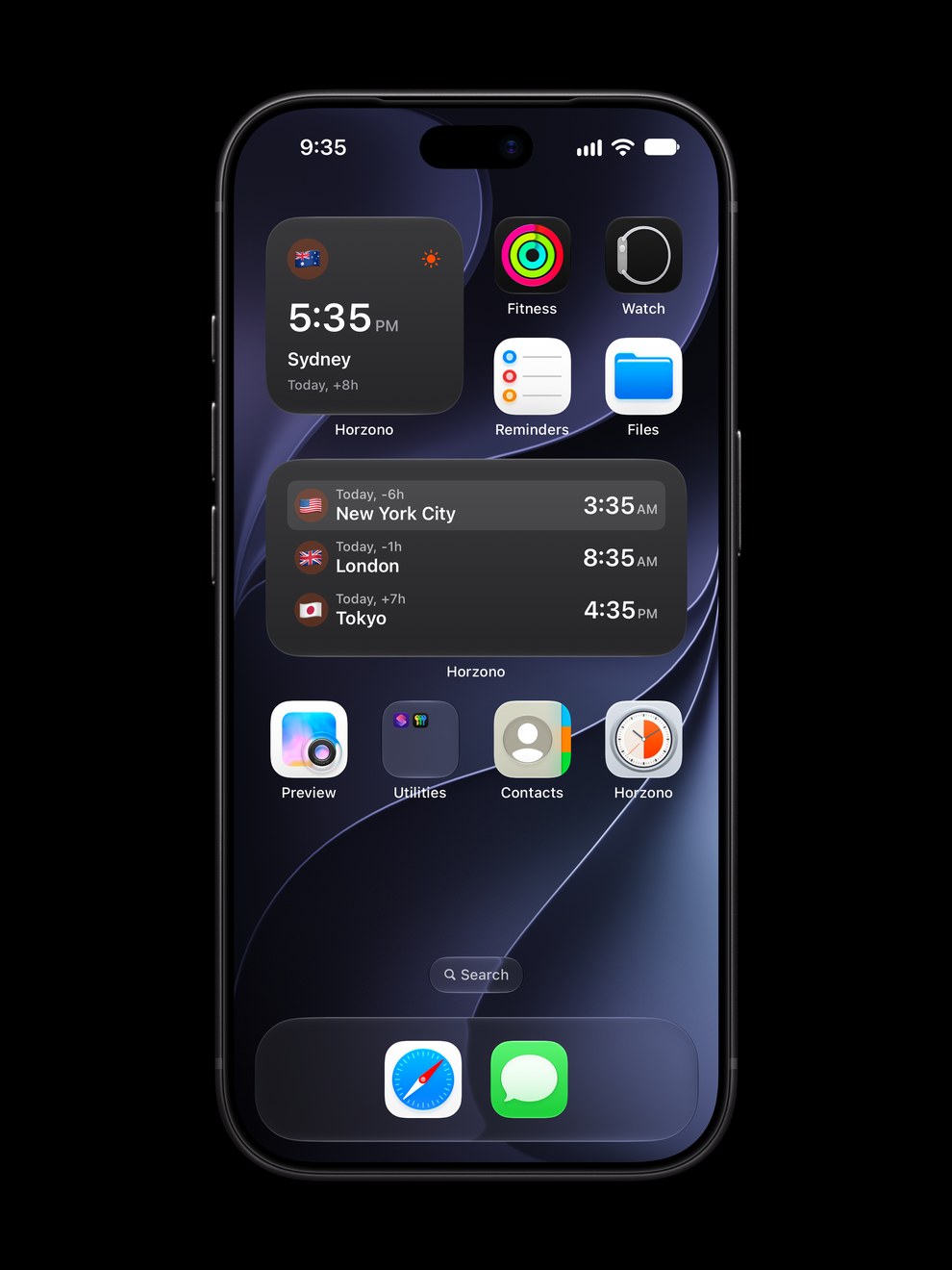
Widgets
Your people and their local time at a glance, without opening the app.
On iPhone, iPad, Mac and Vision Pro.
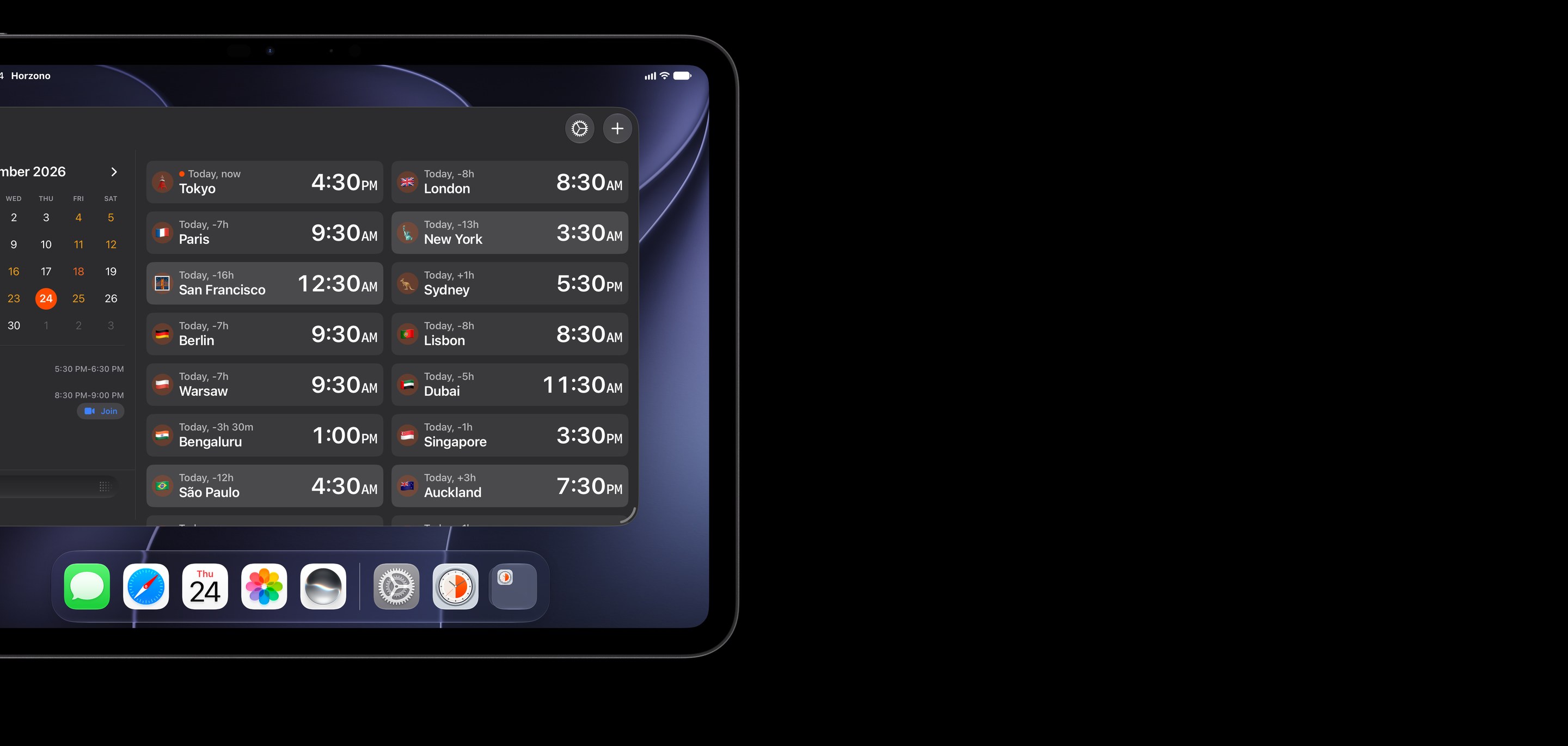
Made for iPad and iPhone Duo
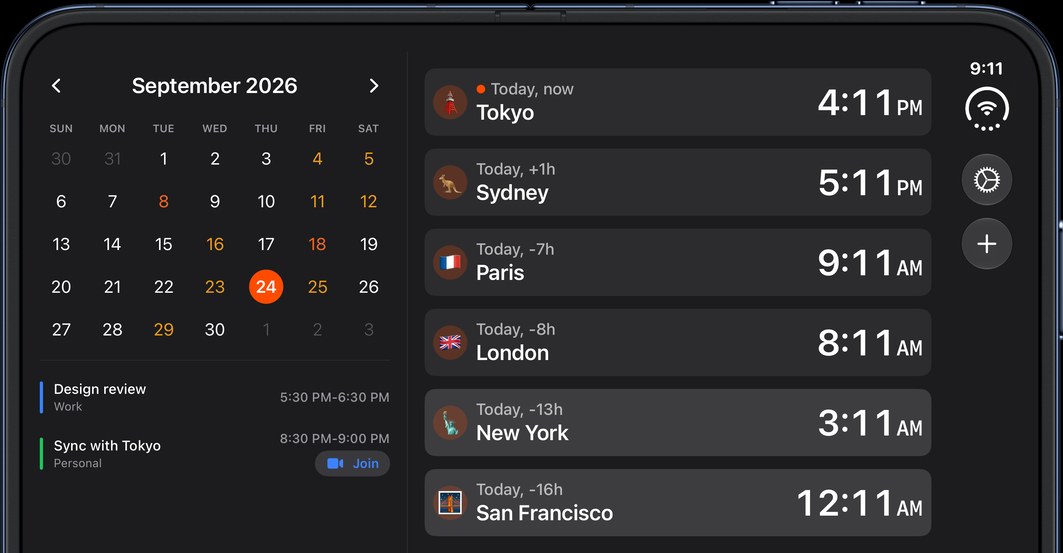
Your calendar and events beside a grid of everyone you track.
Open iPhone Duo and you get the same two columns.
Also in Horzono 3
- In 11 languages.
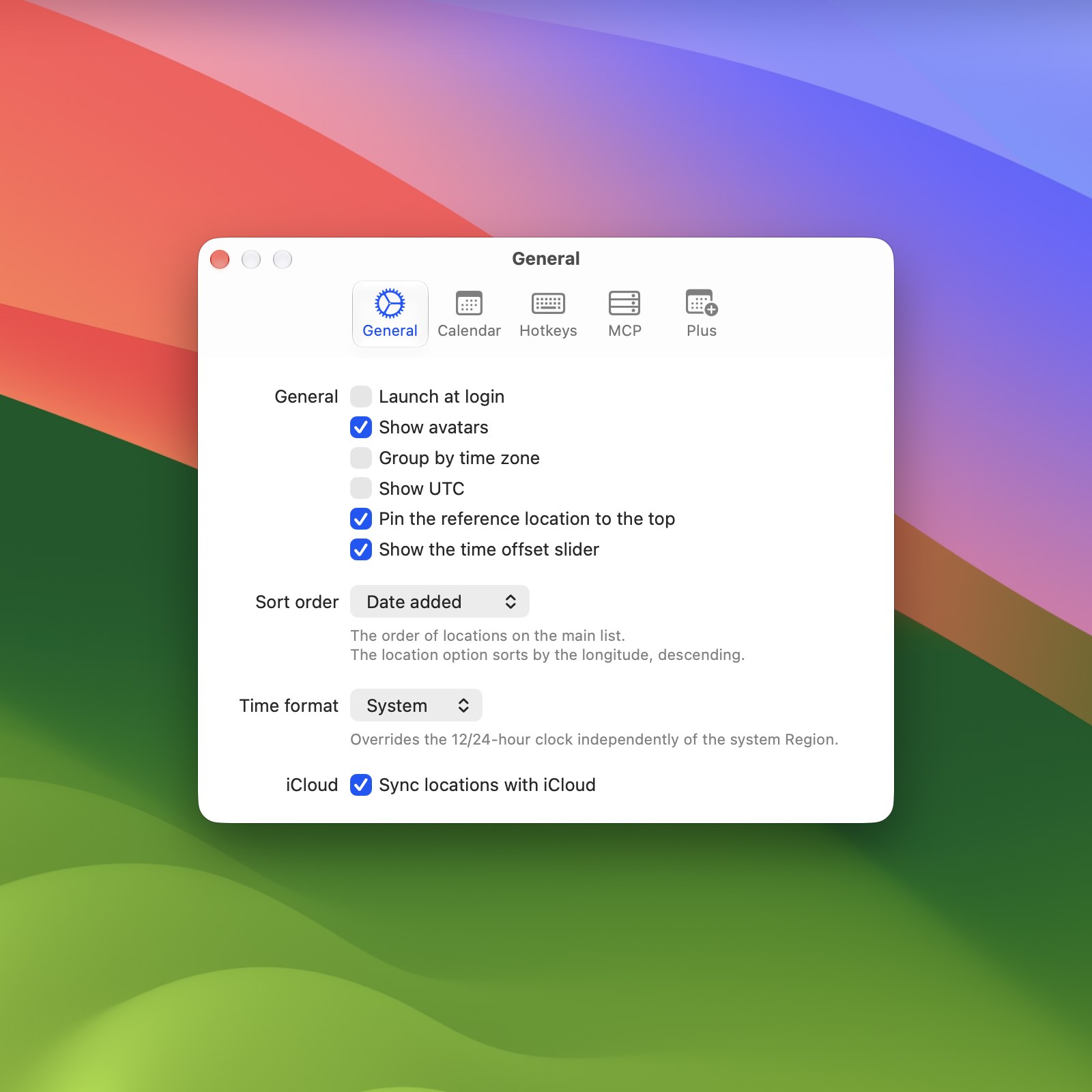
- A 12- or 24-hour clock, or the one your system uses.
- Group by time zone: everyone in the same zone in one row. Plus
- Show Horzono from any app with a global hotkey on the Mac. Plus
- An MCP server on the Mac, so Claude and other AI assistants can read your people, their local time and daylight, and find a meeting time. Plus
- Free, with Horzono Plus as a one-time purchase. No subscription.
iCloud Sync
Keep your chosen locations and the reference location in sync across your iPhone, iPad, Mac and Vision Pro using iCloud. Plus
Privacy
No ads. No tracking. Horzono keeps your data on your devices.
Data not collected
The developer does not collect any data from this app.